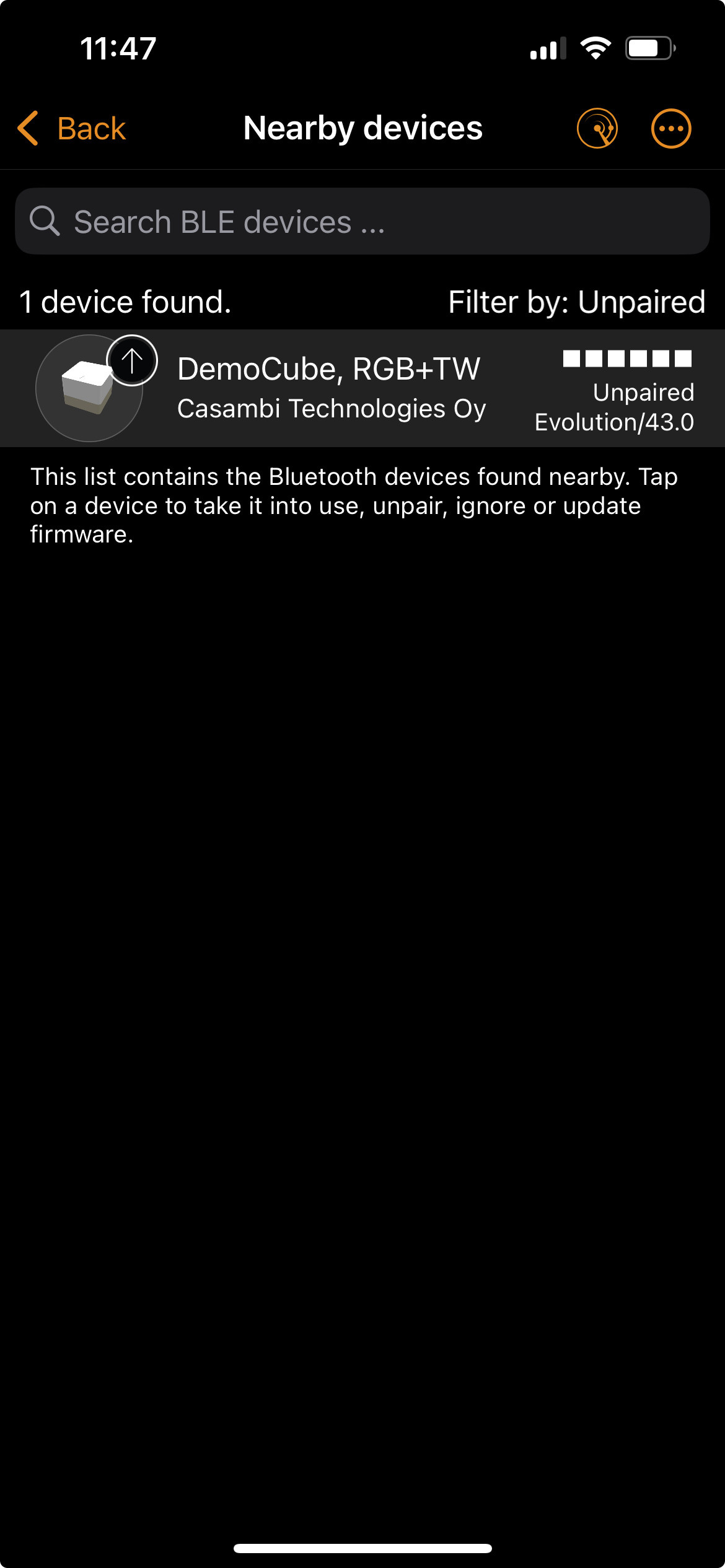






A device must first be paired with a Casambi network so that it is uniquely assigned to that network and able to communicate within the installation. During the pairing process, the device is not only made visible but is actively integrated into the existing Bluetooth mesh network. This enables it to receive, forward, and execute commands from the app as well as from other Casambi-enabled components. Only after pairing can the device be fully configured—for example, by assigning a name, linking it to a luminaire or group, integrating it into scenes, or connecting it with switches, sensors, and automations. The pairing process also ensures that only authorized devices become part of the network, maintaining a controlled and secure system environment. Without this step, the device remains outside the network and cannot be reliably controlled or integrated into the overall lighting control system.
Steps to pair a device: